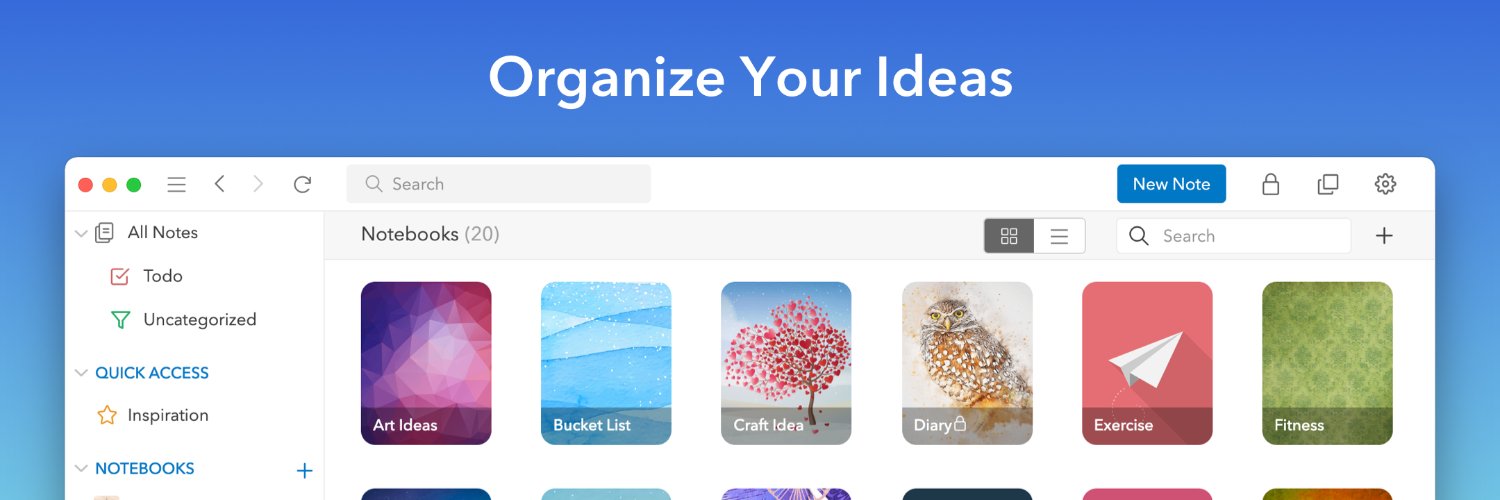
UpNote is a clean and intuitive app for note taking and organizing. Sync instantly on iOS, Android, Mac, Windows and Linux.

Joined March 2019
Stay organized with less effort ✨ You can now automatically move completed to-do items to the bottom of your list, making it easier to stay focused on what’s next. ✅Enable it in Settings → Editor → Move completed to-do items to the bottom.
10
1
36
3,743
If you are using UpNote on Windows or Linux , you can now start UpNote minimized to the tray 🎉 Just update to v9.14.16 and enable: • Start UpNote at system startup • Run in the background when system starts from Settings > General > Other Enjoy a faster start to your day ✨
2
1
42
6,367
✅We’ve fixed the issue causing users to be logged out when the app restarts. Please update to the latest version 9.14.6 for the fix. Thank you.
6
3
1
29
8,512
We’re happy to share that the Untagged filter is now available in UpNote 🎉 You can quickly find notes without hashtags, making it easier to review and organize your content. help.getupnote.com/get-organ…
3
2
53
8,688
Now you can quickly switch the view of your notes list — jump between a notebook, tag, Quick Access, or All Notes with ease 😄 Just use the shortcut: Cmd/Ctrl + Option + J ✨
5
2
57
8,803
🎨 You can now rearrange formatting icons on UpNote desktop! Click the Edit button at the end of the bar and drag icons to adjust their order. Your custom layout syncs with the mobile app. We hope this small change makes your writing experience smoother. 📝✨
7
3
72
6,515
📝 In the latest UpNote update, the Insert option has been moved to the bottom formatting bar for a more consistent editing experience. ⌨️ Don’t forget—you can use keyboard shortcuts to quickly insert or format your notes!
2
2
51
4,340
🌈You can now drags notes to Notebooks/Tags/Quick Access in the sidebar. You can define the behavior of "add" or "move" notes to notebooks from Settings > General > Others > Drag notes to notebook. Please update your app to the latest version 9.9.2 to use this feature.
16
5
1
100
8,478
📌 You can now expand/collapse the pinned note section in the notes list. 👉 Check out this feature in the latest version of UpNote on all platforms. It will help make your notes list cleaner and easier to navigate 😀
7
5
83
7,858
💫 You can now scan documents on Android! We have also improved this feature on iOS to make it more intuitive 🙂 Please update your apps to the latest version to use this feature.
13
11
1
135
13,889
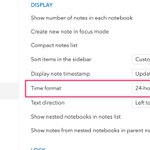
⏲️NEW: You can now choose to display the time in 12-hour or 24-hour format. Please go to Settings > General > Time format to select the option.
7
3
56
8,621
NEW: UpNote 9.4.0 lets you quickly move items up and down in your list. 🔹On desktop: use Cmd/Ctrl + Opt + up/down arrow 🔹On mobile: use the move list up/down icons in the formatting bar
15
3
98
12,090
#PARA is the heart of organising you #secondbrain. Here is how to set up and use the system in #upnote. @upnote_app. buff.ly/3K3gJii
2
10
4,841
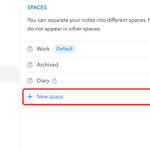
🍀 The spaces feature can be useful to separate your "work" and "personal" notes. You can also use spaces to archive notes for later reference. ✨ Check out our tips for organizing notes with spaces: medium.com/upnote/tips-for-o…
5
5
2
63
10,124
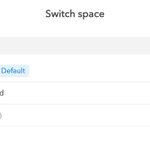
✨Workspace is now available in UpNote 9.0.0 on all platforms! You can now separate your notes into different spaces, where notes in one space do not appear in other spaces. ✨Find out more here: link.medium.com/uYScEQjklHb
23
12
5
158
15,686
Replying to @upnote_app
@upnote_app Just left Awesome Note (which I loved) to go to Upnote. Out of all the ones I tested UpNote was the one with a lifetime fee, use over multiple devices and synced the best with Awesome note exports. I had over a 1000 files and Upnote coped the best out of many trialled
2
2
15
6,023
I don't write reviews often, leave alone glowing reviews... But @upnote_app had this coming.
7
3
1
34
8,412
I probably spent too much time setting up the PARA method with @upnote_app. Couldn't resist adding instant personality through custom notebook covers and ai generated images. Magical!
6
1
1
37
6,357