



The final step is optional: connect your AI coding agent with the Create UI skill and MCP server.
Works with Claude Code, Cursor, VS Code, Codex, and Gemini CLI.
Start here → createui.co/docs/new-to-code

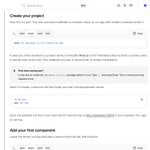
Once the setup is ready, one command scaffolds a complete project with Create UI already wired in.
From there, you can add your first component directly to the codebase.

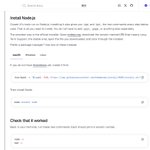
Next, it walks you through installing Node.js and checking that everything works before moving forward.
macOS, Windows, and Linux are all covered.

Starting from zero really means starting from zero.
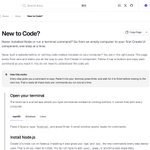
The guide begins with the basics, including how to open a terminal, how each step works, and what to do next.

Your first component shouldn’t require ten different setup tutorials.
@createuico's new New to Code? guide takes you from an empty computer to your first component, one step at a time.
Now live ↓
Start building with Create UI v1.1
50% off during launch.
→ createui.co | createui.co/docs

TypeX retweeted

If your design system doesn't look like this, plz don't call it a design system.
AI Native Design System & Component Library
→ [@createuico]™
Start building with Create UI v1.0.
40% off during launch.
→ createui.co | createui.co/docs
