

I design thumbnails for a living. Worked with @AlexCosta @BothAndAgency @BradyYourTutor_ @EmpiresPod_
Joined January 2018
- Tweets11.2K
- Following626
- Followers4K
- Likes9.7K

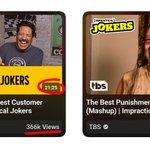

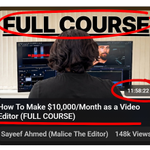


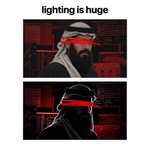


now it also works the other way, suppose you wanna watch something while working
the longer video would be more appealing to most people


Lighting plays a huge role in terms of design, especially thumbnails
you can completely change the mood of the scene by its lighting
the top is the raw image and the bottom is the edited one
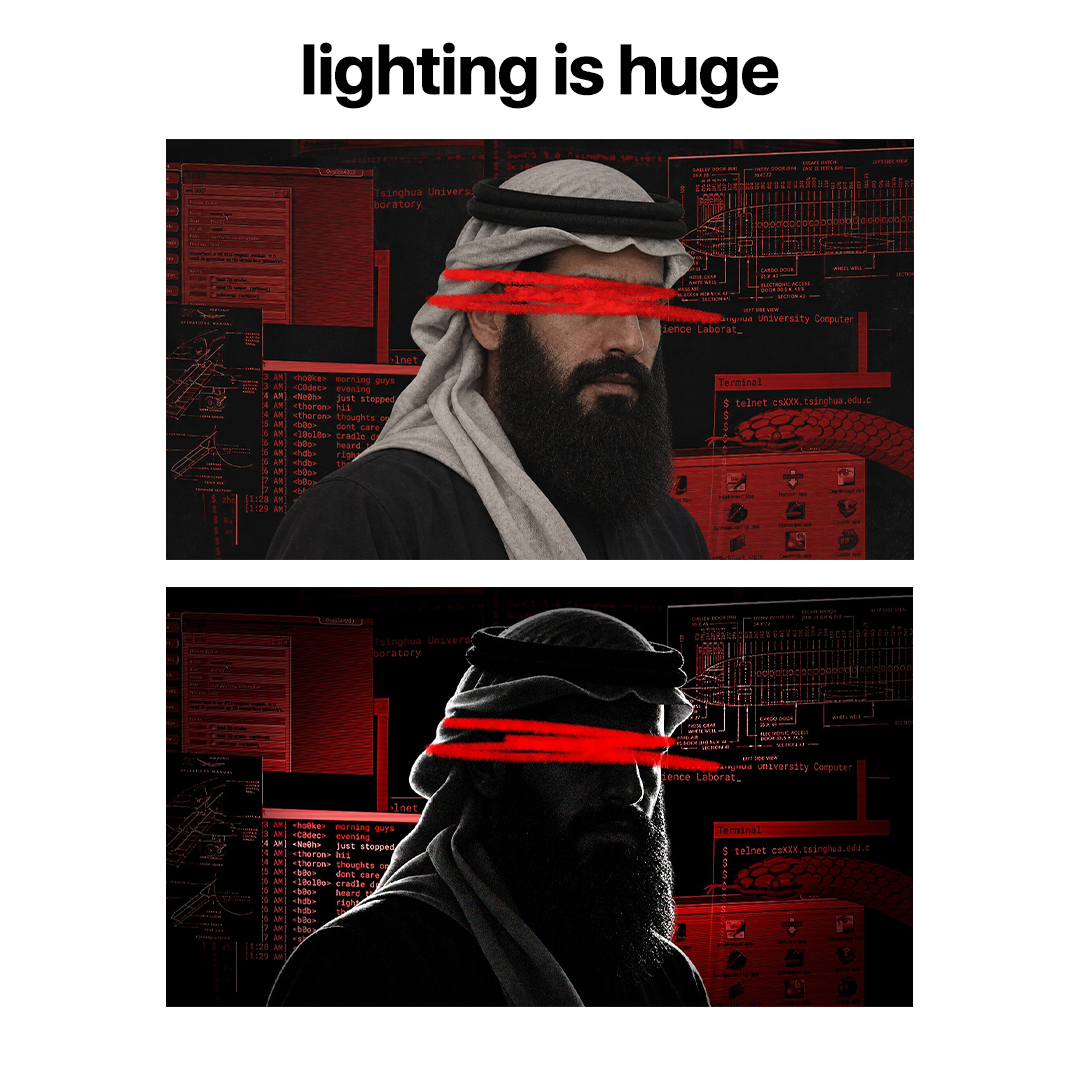
if you want your thumbnails to perform well and also look aesthetic
always look out for contrast, whether the elements colors stand out from one another
doesn't have to be complex, don't have to use color wheel
just trust your eye


Zed retweeted

I built a Photoshop-like image editor. It’s called Compositor.
robbietilton.com/compositor
I originally built it for myself to get off my Adobe subscription, but decided to release it for free and make it open source. It has all the essential tools I need for compositing, with none of the BS.
I know this workflow is kind of archaic in 2026, but I’m still using it until AI can actually get pixel-perfect on some of the details.
The entire app is 12MB. Photoshop is 6,455MB on my machine.


3. How to Avoid OVER detail issue
the reason why Ai images look kind of fake is because there's too much detail on them, real images and art has imperfections
The repeated pixels, the crazy details make it look "fake"
Another way of fixing it is using prompts like
"Declutter the image" "Decrease repeated pixels" help
but I've found the best solution is to just make it from scratch in a new chat

