

Beautiful & easy to create Markdown presentations on https://xitter.cf/t.co/TwjZmBBIgc
Lyon, France
Joined June 2019
- Tweets107
- Following7
- Followers94
- Likes27





Pinned Tweet
Version 1.2 is now available as a free update in the MAS. New themes, HTML export, and much more apps.apple.com/us/app/slidea…

#ipados version of Slideas now supports contextual menus Interested in beta testing? PM are open

Slideas 1.2 has just been submitted to the Mac App Store. 2 new themes, Html export and much more soon on your Mac. #indiedev

I am proud of this amazing feedback. Thanks for all users for your awesome feedback and improvements suggestions!

Thanks for the shoutout !

If you’re familiar with LaTeX for writing research papers or SwiftUI for apps, then you’ll love Slideas for creating presentations on your Mac! apps.apple.com/us/app/slidea…


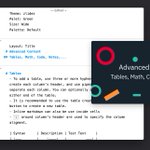
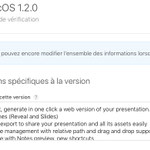
Slideas 1.2 Beta 1 is available for testing: slideas.app/blog/slideas-1.2…

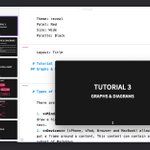
If you are wondering how a Slideas Presentation will look like when exported to HTML, I just uploaded an example: slideas.app/examples/graphs-…

Looking for simplicity? I just ported 3 @revealjs Themes to Slideas. 1.3 is going to contains a lot of new features.


Next version will include an amazing new Theme designed by @zlidesco

I just added support for @txtbndl Export in Slideas. It will be much easier to share a Markdown presentation and all its assets.

Working on making Presenter Notes visible even in the preview... Version 1.2 is going to contains a lot of changes and new features!

Awesome Podcast including an amazing talk about Slideas. Thanks @ericasadun and @twostraws ! anchor.fm/swiftovercoffee/ep…

Wanting to compare images in a presentation? Just use the excellent juxtapose from @knightlab

