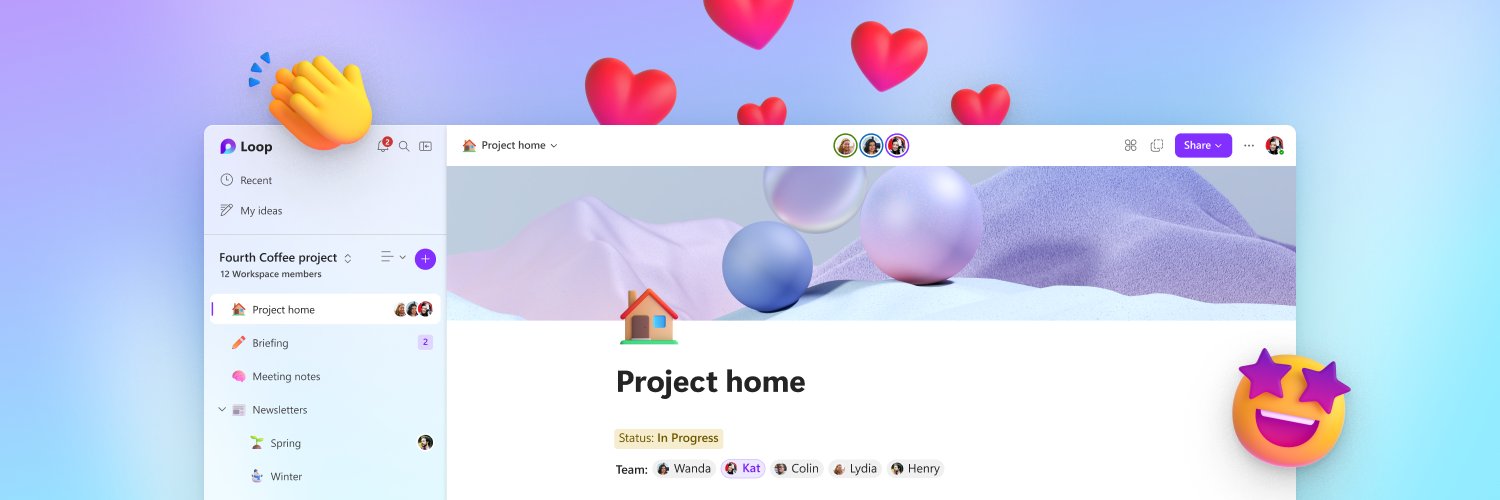

Think, plan and create together with #MicrosoftLoop 🚀 Try it now on iOS, Android, Microsoft app, and web ⬇️
Joined November 2021
- Tweets2K
- Following11
- Followers19.6K
- Likes1.3K
Go from questions to insights with Researcher in Microsoft 365 Copilot. 🔎
Bring together information, explore a topic in depth, and turn research into work you can act on, all with #Copilot.
Watch now: msft.it/6017aPFAF
Ready to work smarter with M365 Copilot? 🚀
Our upcoming learning series will explore Pages, Notebooks, and Create, with practical tips you can start using right away.
Discover how to:
✨ Customize Notebooks with instructions
✨ Collaborate seamlessly on Pages
✨ Stay informed with Copilot catch-up experiences
✨ And many more!
Stay tuned for session details!
👀 Just set up a few scheduling prompts in Microsoft Copilot today—and it already feels like I hired a tiny ops assistant.
😍 Daily standup reminders, follow-ups, and recurring updates now just… happen. Quietly obsessed with how much friction this removes.
Watch now: msft.it/6015vgIdV
#M365Copilot #Copilot
✨ Deep work starts with clarity.
Researcher connects the dots across your work content — meetings, chats, emails, files, and more — to help you uncover insights faster and move work forward with confidence.
A simple way to get started? Try the Daily Briefing prompt each morning to quickly catch up, prioritize what matters, and start your day with clarity. ☀️
Watch now: msft.it/6017vdfz1
#M365Copilot #Copilot #Researcher
✨ Make Copilot work your way.
Save time, stay consistent, and level up your workflows: try creating and saving your own prompts in the Microsoft 365 Copilot app today.
Your future self will thank you. 😉
Watch now: msft.it/6015vjUBN
😇 Coming back from OOO doesn’t have to mean digging through endless chats and meetings.
In the #M365Copilot app, just ask Copilot to summarize what you missed across key conversations and meetings, then turn it into an actionable task list with owners, follow-ups, and next steps. ✅
Watch now: msft.it/6014vXL00
😇 Getting started with the Microsoft 365 Copilot app?
This short video walks through how to begin using Copilot in your day-to-day work—from exploring prompts to navigating the experience
Watch the full episode here: msft.it/6016vuSxj
For more episodes and scenarios, explore the full Copilot learning here:msft.it/6017vuSxd
You join a project.
Docs everywhere. Meeting tomorrow. 😅
Go-to move: Copilot Notebooks.
Drop the files in one place and let Copilot summarize what matters, surface open questions, and connect the dots.
Less catching up, more clarity: msft.it/6019vHPab
Watch now: msft.it/6010vHPaj
#Microsoft365 #Copilot #FutureOfWork #CopilotNotebooks
Missed a meeting?
🎥 Copilot can generate a short video recap and surface it directly in Copilot Chat. Helpful when you just need context and want to keep moving.
Watch now: msft.it/6018v8xzi
#Microsoft365 #Copilot #FutureOfWork
#Meetings
Not sure which file is the right one?
Preview cards in the Microsoft 365 Copilot app show:
📄 File preview
🧠 Copilot summary
💬 Quick Q&A
Find what you need—before opening it.
Try it today in the #Microsoft365Copilot app.
Watch now: msft.it/6010QC14E
Session 4 💼
See how Executive Admins use Microsoft 365 Copilot to stay organized, prep for meetings, and keep days on track..
Watch → msft.it/6019Qfj83
Sign up for the AMA: msft.it/6010Qfj8O
#Copilot #M365Copilot