

EdTech Coach 👩🏫 Educator🍎 MS in Instructional Technology💻 Dog Lover 🐾
Beaufort, SC
Joined April 2019
- Tweets744
- Following433
- Followers294
- Likes3.5K



Aly W retweeted

HOW ARE WE JUST FINDING OUT ABOUT THIS?! 👀
Check out this @Canva teacher cheat sheet! 🤯
Thousands of templates all available for 💥FREE!💥
Check it out ⤵️
teach.link/canvacheatsheet
For more @CanvaEDU ideas ⤵️
amzn.to/40ngCqX
#interACTIVEclass #TeacherAppreciationWeek
Aly W retweeted

Using the built in teleprompter in Flip can make all the difference for any Flip presentation, creation, or response! 🤩
••• ➡️ Teleprompter
🌟 Pro Tip: Increase/Decrease the font size + adjust the scroll speed 🎚️
💖 #FlipForAll
Aly W retweeted

Shining the spotlight on our amazing #CanvaEDU community!🔦 We are inspired daily by the innovative ways you are empowering students to create & collaborate in the classroom with Canva for Education!
How could you use these ideas in your classroom? Share in the thread!🧵
@Mr_Oldfield @EdTechAly @browniesedbites @mrs_schwartz @TechCoachRobles @valkyriefit87 @cindy_hundley @jordan_smithEST @jolshanWMS @jordan_smithEST @BrunosClass @TwistedinTech
Aly W retweeted

I share 20 Canva For Education tidbits from ISTE Live 2023, including whiteboard tips, a portfolio idea, expand a slide, loop a presentation, stop motion, and drift animation.
youtu.be/d6bctAym64M
#Sponsored #CanvaEdu #ClassyCanva
Aly W retweeted

How "classy" is this @canva #whiteboard that @EdTechAly and I are creating for our first week of #ClassyCanva with @tonyvincent? It's really going to take S #design, #animation, and #video skills up a notch!


Aly W retweeted
Closing Down Day 1 of the #GaETC22 Conference with @tonyvincent, the #BCSDEdTech crew, and a new friend too! @ericcurts @CatrellSharonda @EdTechAly @atechcoachlife

Aly W retweeted
Tip Tuesday! Easily mute or unmute a YouTube video or ad by pressing M on your keyboard.
Aly W retweeted

✨GIVE-AWAY TIME✨
Need a low-cost doc camera alternative?
I am partnering with @Bright_Fingers and selecting FIVE winners to try this!
To enter:
🌟Tag a friend
🌟Bonus entry for each friend you tag
🌟Bonus entry if you retweet this post
Winners will be announced October 1
Aly W retweeted

Catch up on everything announced at #TheAnywhereSchool, including:
💡 Intelligent features in #GoogleDocs, Sheets & Slides
📊 Updates making #GoogleClassroom easier to use
🔒 #GoogleMeet security enhancements &
👩🏽💻 Chromebook personalization options
goo.gle/tas2021overview

ALT Infographic of all new Classroom features announced

ALT Infographic of all new Google Meet features announced

ALT Infographic of all new Google Workspace for Education features announced

ALT Infographic of all new Chrome features announced
Aly W retweeted

Change the shape of an image #google #edtech #edtechtip #teachers #teachersoftwitter #techtool #techtip
Aly W retweeted

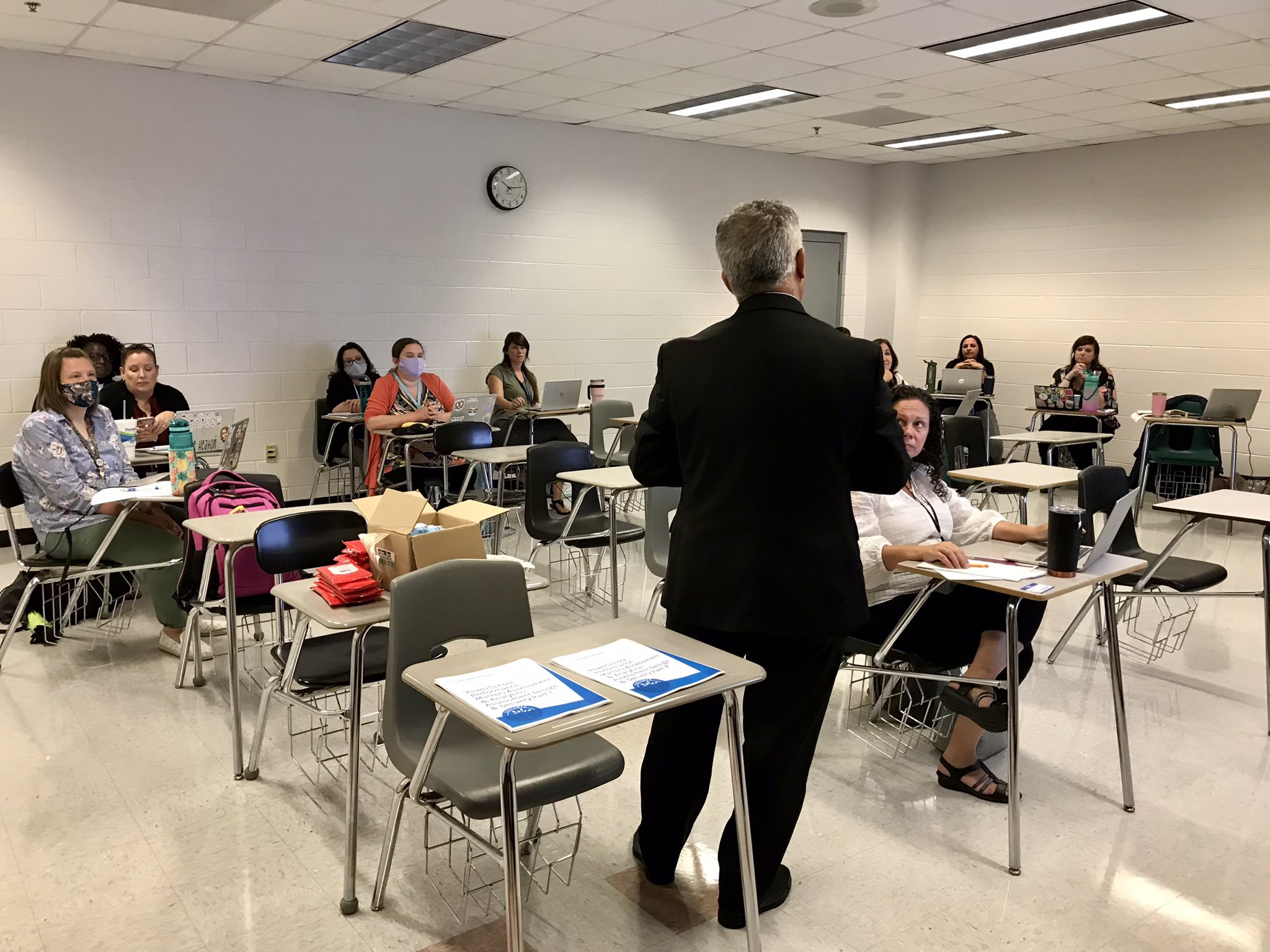
@DrFRod1, thanks for speaking with us about the importance of progress monitoring in our Performance Matters “train the trainer” session! Another great @BeaufortSchools year is about to begin!

Aly W retweeted
💥 @atechcoachlife tells us how she made a comic-inspired staff photo.
#ClassyCreations #edchat #teachertwitter
sciencenotebooking.blogspot.…

ALT Photos of 9 people in a colorful comic panel
Aly W retweeted

Finally!
You can now place an image BEHIND text in #GoogleDocs.
This feature is rolling out now and may take a few weeks to be available in all accounts.
#GoogleEDU #GoogleDrive #edTech


Aly W retweeted

Here's one way T @1book1penblog gets her Ss ready to "level up" when assessments come around! #TeacherTwitter

Aly W retweeted

Remind your heart today: God is right here with me in the midst of my trouble. I am not alone.
“God is our refuge and strength, an ever-present help in trouble. Therefore we will not fear, though the earth give way and the mountains fall into the heart of the sea.” Psalm 46:1-2


Aly W retweeted

Parents and students, our #amazing EdTechs have developed support docs, tutorials & troubleshooting tips and guides for our frequently used district-supported instructional technology resources. Bookmark this webpage! bit.ly/FamilyTechBCSD and #FocusOnYourFuture!
Aly W retweeted
Being a good digital citizen means being 🧠 Smart, 👀 Alert, 💪 Strong, ❤️ Kind, and ⚡️ Brave!
Do your students know how to #BeInternetAwesome? Install the @GoogleForEdu curriculum and teach them to be great internet explorers! hubs.ly/H0rK_vm0
