

Learning to get the best out of Android devices. Lots of useful tips and information about both mobile and non-mobile Android devices. Many projects and FAQ.
Singapore
Joined June 2014
- Tweets6.2K
- Following4.4K
- Followers3.5K
- Likes7.8K
Now #OneDrive will plague you with notifications to #TurnOn #CameraUpload.
The #App is misbehaving!
Turn off OneDrive #Notifications.

4

My phone's #OneDrive settings.
#Proof that changes were caused by an #AppUpdate.
I would never set "IncludeVideos" for OneDrive or #Dropbox.

4
BEWARE of promotions like this.
It is just a #SalesTrick to get you paying,
OR a crisis at the end of the month if your storage isn't enough

4
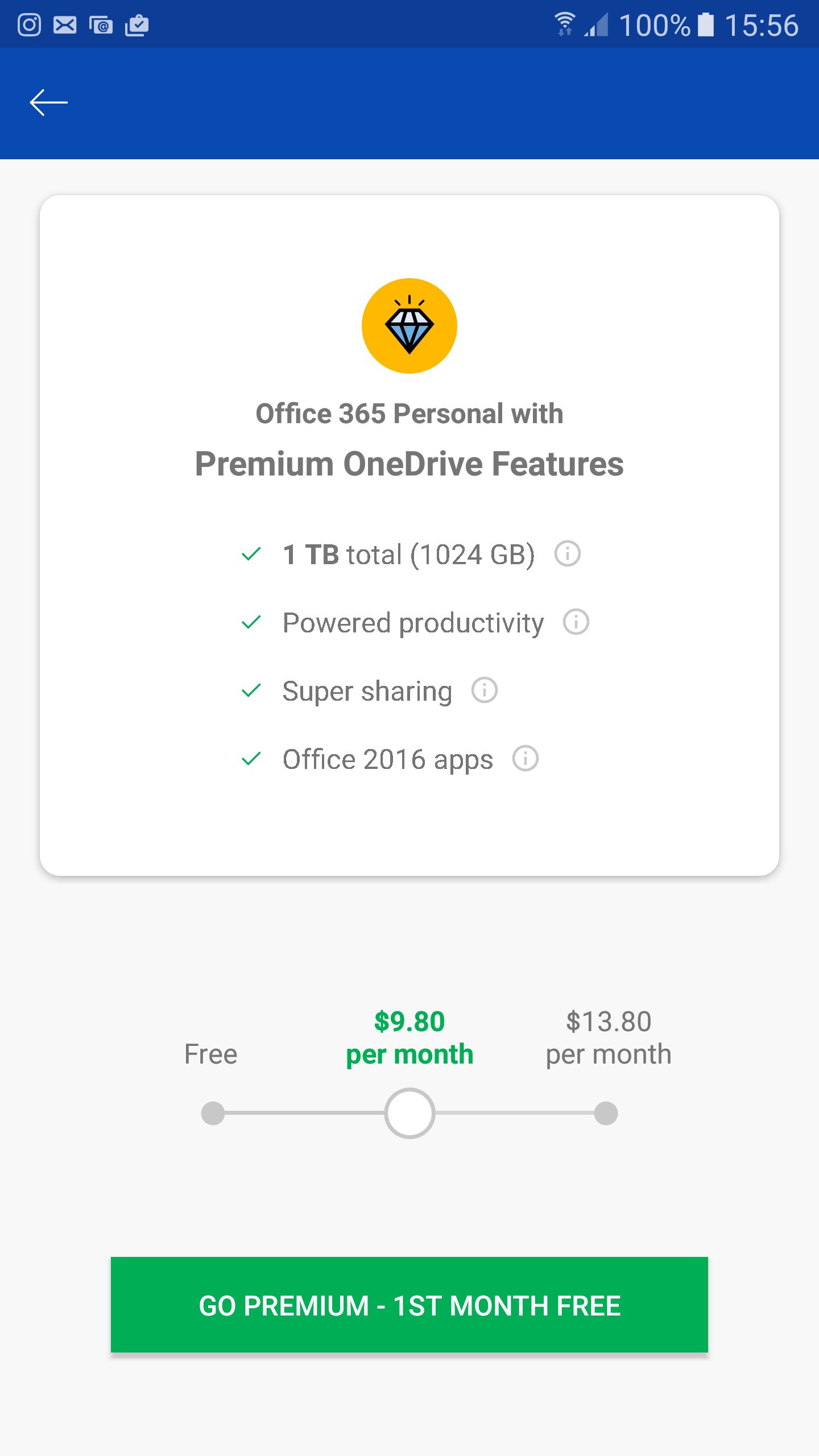
Today I noticed that my #OneDrive was nearly full.
ONE HOUR LATER & still trying to free space by deleting unwanted photos.


Connect with us on #Pinterest for #app organization #examples for your #smartphone's #HomeScreen:
pinterest.com/androidnewbie/


5
We find it most convenient to have just ONE #HomeScreen with all the #apps we use grouped into #folders with names to describe the group.

4
The #ChromeBrowser has the very nice #feature of sync-ing #bookmarks & #SurfingHistory across all devices including PCs.
A GREAT #TimeSaver.

4

#Snapseed is a possible #photoeditor.
There are many different photo editors on #GooglePlay.
ONLY SELECT ONE IF REQUIRED.
All have updates.

4
The #GooglePhotosApp for sync-ing your photos between devices.
#GooglePhotos is a great #backupstorage for photos with many useful options.

4
The #GalleryApp for accessing all images & photos stored on your #smartphone.
Only use the standard #Gallery #app which came with the phone.

4